Davide Capponi photography

Photographic art by Davide Capponi

Posts tagged ‘wide’

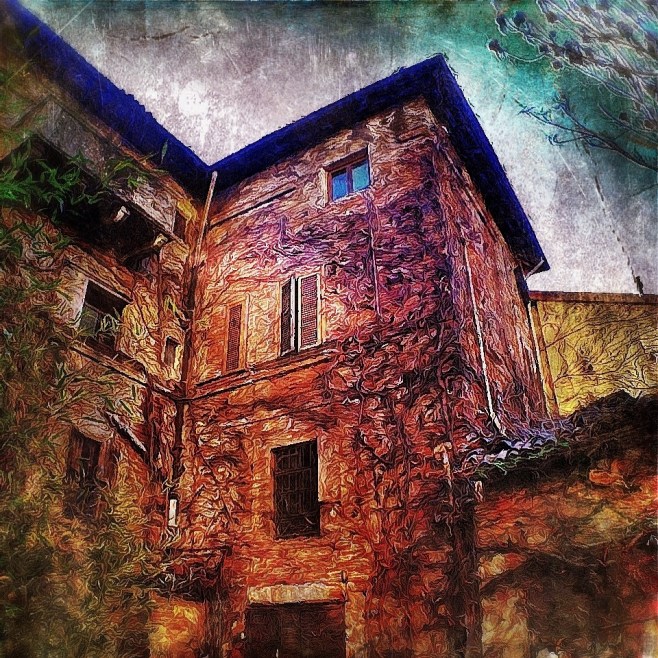
Residential life

This is a house in Torino. This has been shot with my iPhone 4s.

The app used to shot the image was Pro HDR, cropping and adjustments were done using Snapseed, further editing was done using Dynamic Light,  Pic Grunger and PhotoToaster.

Future blind

This is an abandoned factory near Milano. This has been shot with my iPhone 4s.

The app used to shot the image was Pro HDR, cropping and adjustments were done using Snapseed, further editing was done using Dynamic Light, Image Blender, Pic Grunger and PhotoToaster.

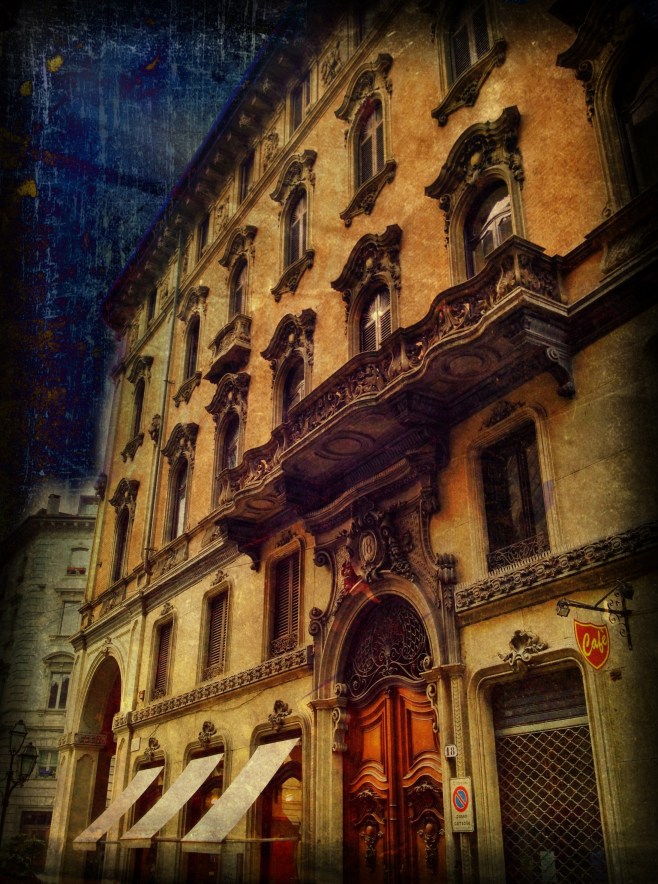
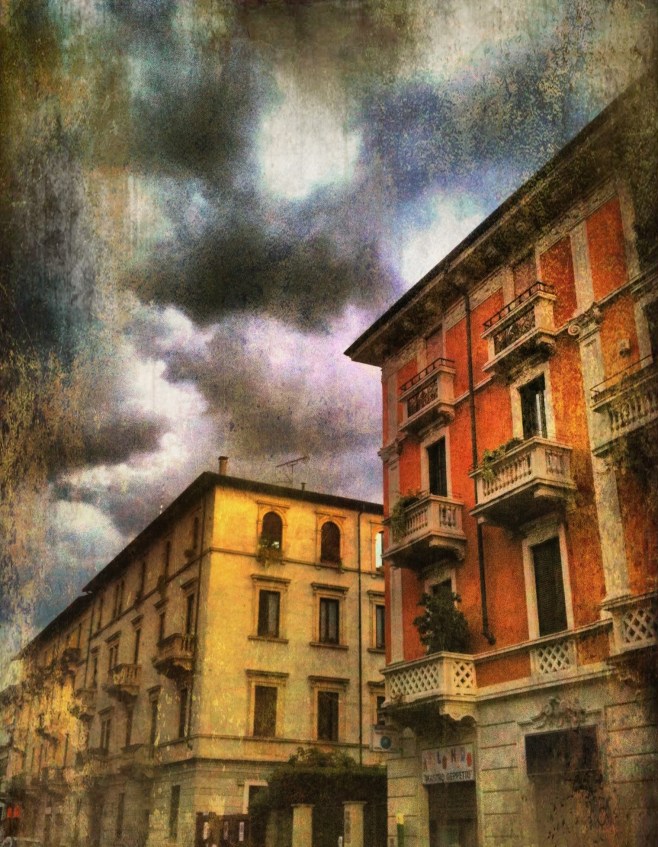
Golden houses

This is a palace in Torino. This has been shot with my iPhone 4s.

The app used to shot the image was Pro HDR, cropping and adjustments were done using Snapseed, further editing was done using Dynamic Light, Image Blender, Pic Grunger and PhotoToaster.

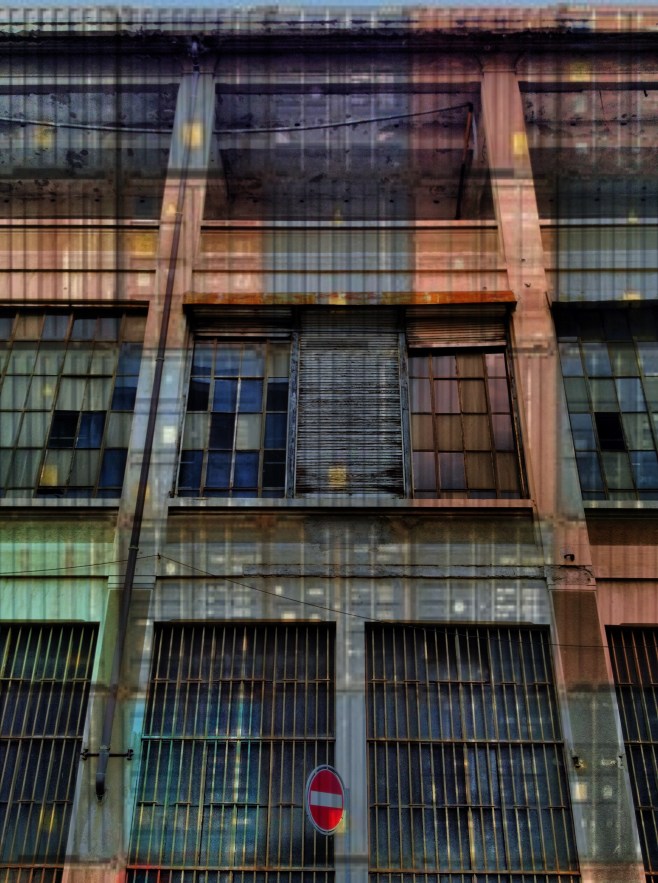
Factorized

This is an abandoned factory in Torino. This has been shot with my iPhone 4s.

The app used to shot the image was Pro HDR, cropping and adjustments were done using Snapseed, further editing was done using Dynamic Light, Image Blender, Pic Grunger and PhotoToaster.

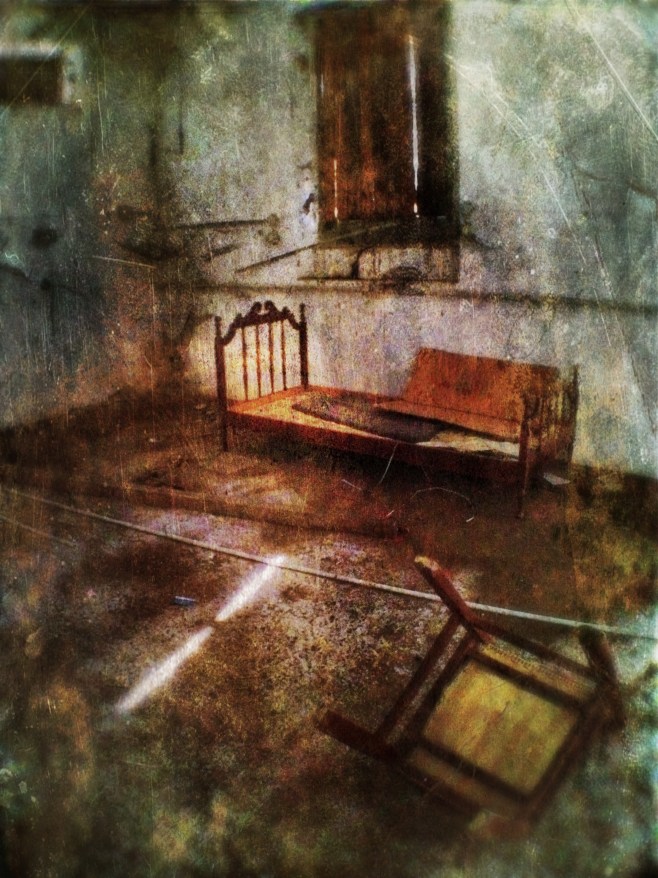
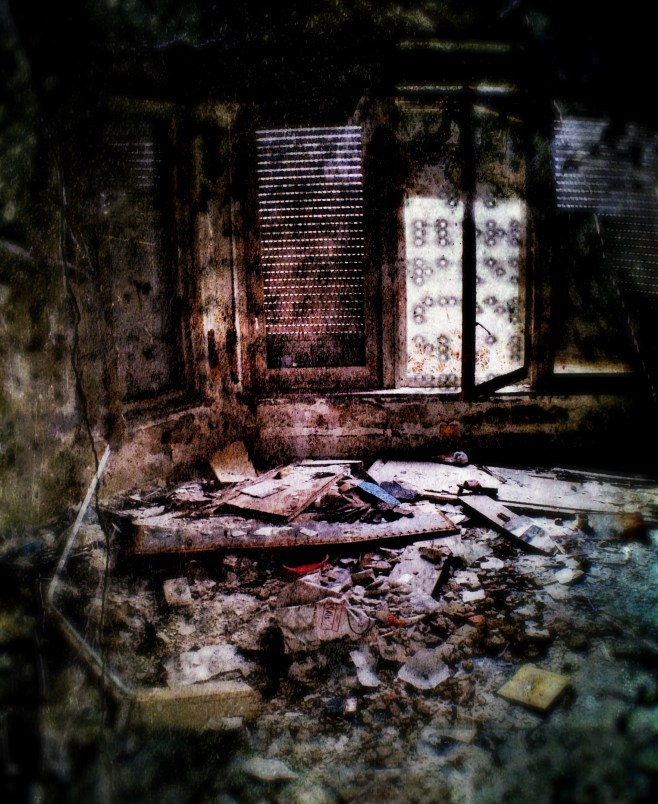
Home of the lost

This is a sort of lodging inside an  abandoned factory in Milano. This has been shot with my iPhone 4s.

The app used to shot the image was Pro HDR, cropping and adjustments were done using Snapseed, further editing was done using Dynamic Light, Pic Grunger and PhotoToaster.

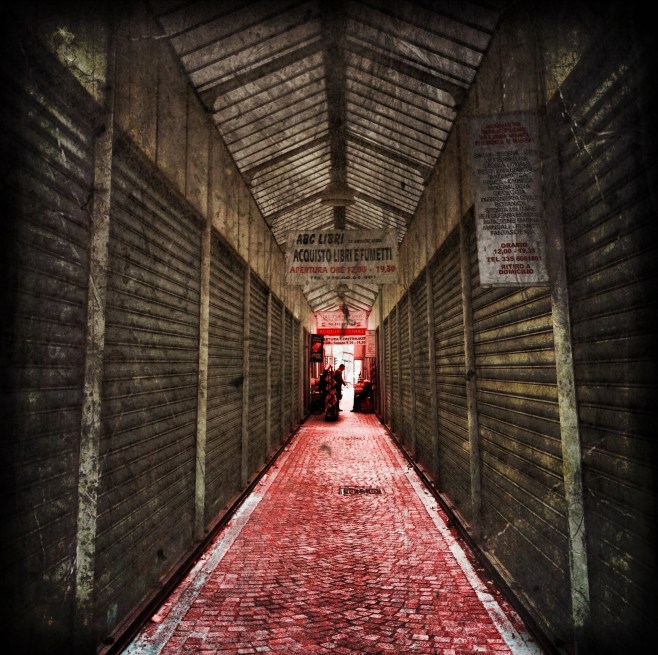
The path to knowledge

This is a booksellers gallery in Torino. This has been shot with my iPhone 4s .

The app used to shot the image was Pro HDR, cropping and adjustments were done using Snapseed, further editing was done using Dynamic Light, Pic Grunger, Image blender and PhotoToaster.

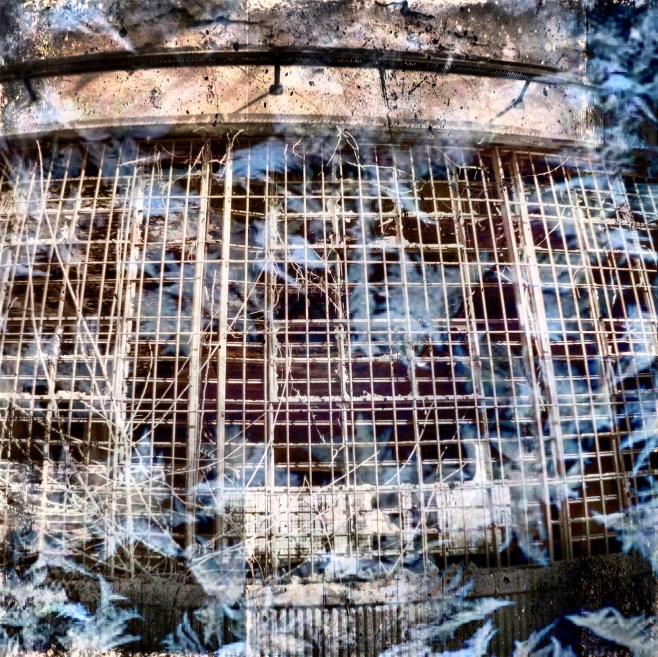
The prison in our mind

This is an abandoned factory in Milano. This has been shot with my iPhone 4s and the Olloclip wide lens.

The app used to shot the image was Pro HDR, cropping and adjustments were done using Snapseed, further editing was done using Dynamic Light, Pic Grunger, Image blender and PhotoToaster.

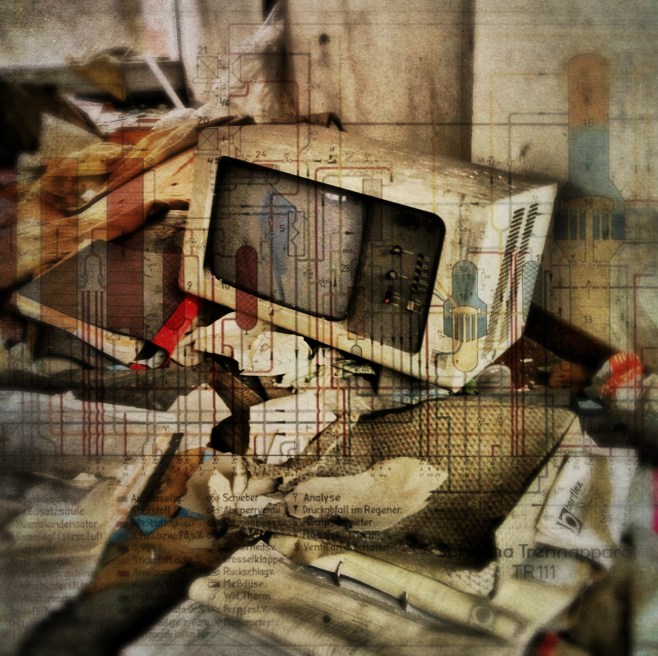
Electronics

This is an abandoned factory near  Milano. This has been shot with my iPhone 4s.

The app used to shot the image was Pro HDR, cropping and adjustments were done using Snapseed, further editing was done using Dynamic Light, Image Blender, Pic Grunger and PhotoToaster.

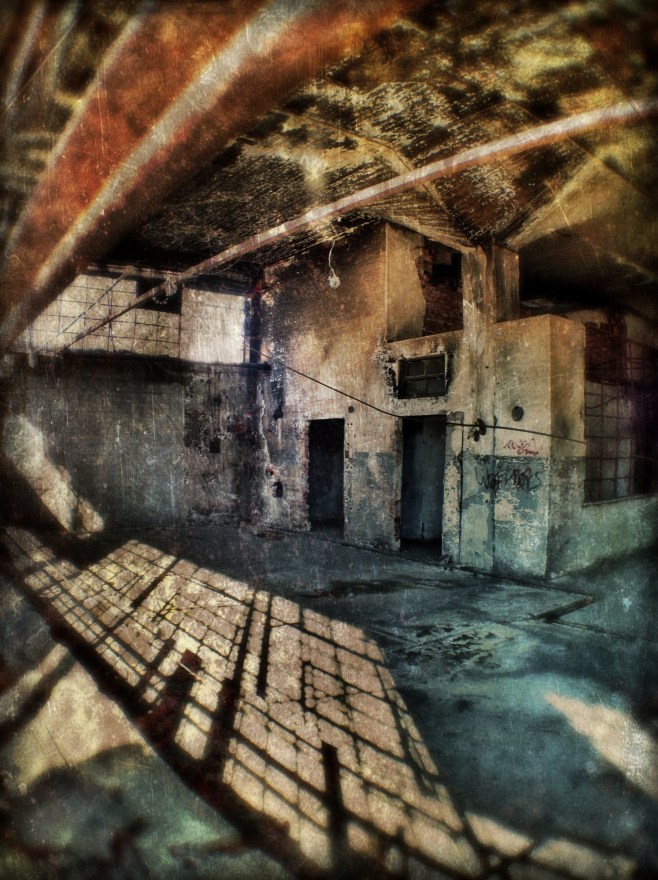
Urbex interiors

This is an abandoned factory in Milano. This has been shot with my iPhone 4s and the Olloclip wide lens.

The app used to shot the image was Pro HDR, cropping and adjustments were done using Snapseed, further editing was done using Dynamic Light, Pic Grunger and PhotoToaster.

On frozen water – the making of

Many of you have been asking to see the original shot before editing or the sequence of processing steps that brought to the posted image, and here it is.


1 – The raw shot

This is the starting shot, it was taken around 1 pm during lunch break on a cold day after snowfall, the weather was cloudy with some sunlight piercing the clouds.

There were seagulls flying on the Naviglio channel in Milano, so to capture them in flight, instead of shooting with HDR Pro app which is quite slow since it does take two shots to create the HDR effect, I used another shooting app called 6×6.  Throughout the shooting session I used an Olloclip wide lens, as can be easily seen by the curved line of the river bank.

Amongst the shots I took I chose this one because the flying seagull can be clearly seen and has a nice vignette of snow around.


2 – Cropping and basic tuning
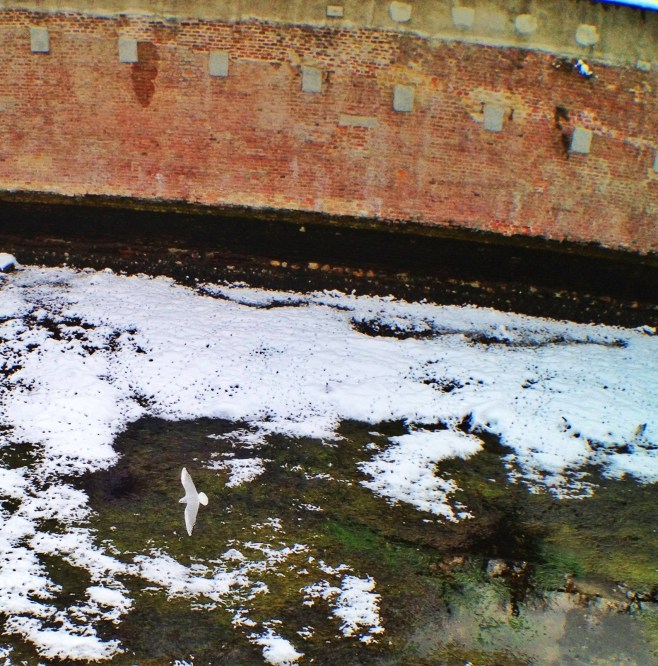
I used Snapseed to crop the image so that the subject (the seagull)  was larger and better positioned.

After that I tuned contrast, brightness and saturation.


3 – Dynamic Light
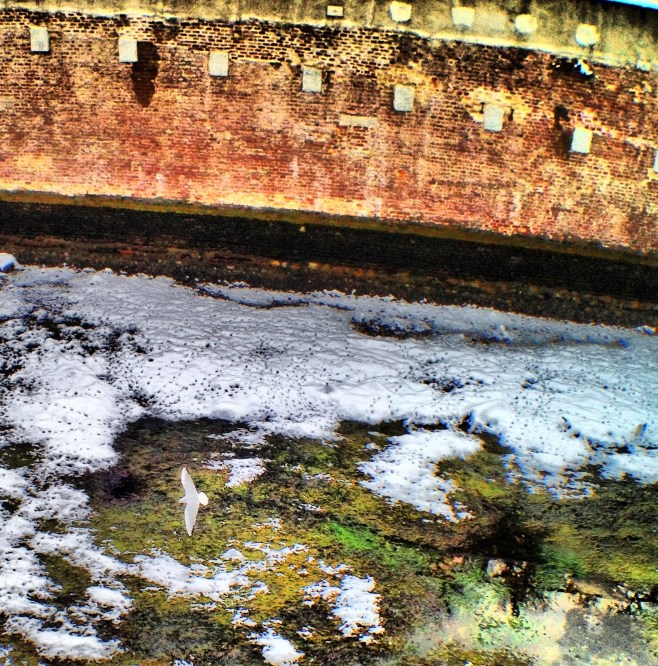
To enhance and dramatize the image I used Dynamic Light, an app that applies many effects but mainly does a HDR-like effect.


4 – PicGrunger
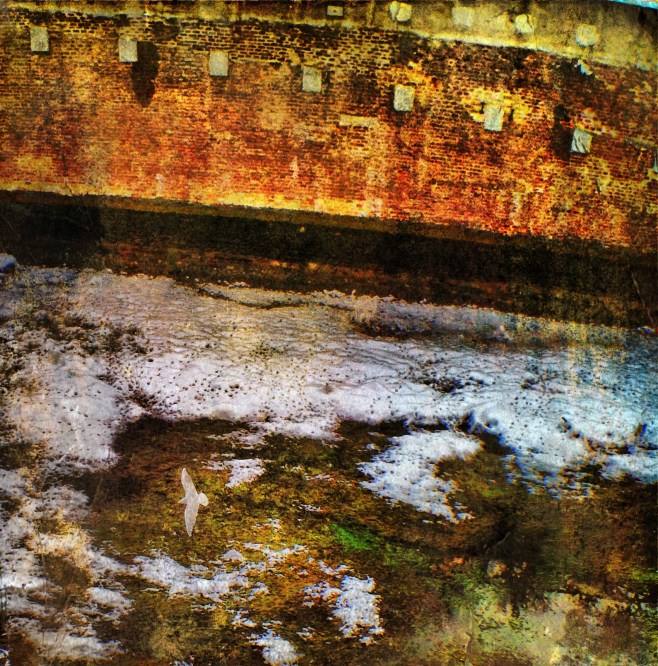
PicGrunger applies textures to the image in the so-called “grunge” style. I chose warm textures for this image.


5 – Phototoaster
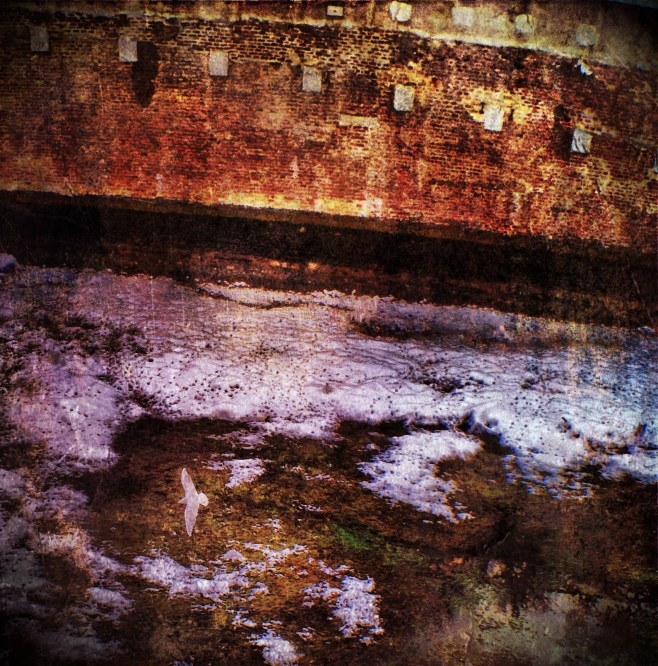
Phototoaster is a all-round editor that I find very good for final balancing and refining of the image. In this case I mainly corrected the color temperature of the image adding blue and red hues.

In many images my editing chain stops here, and the final image is ready.

Looking at the image, however, you will notice that after all this editing the seagull is almost lost in the image and does not catch the eye of the viewer.

There are different devices you can use to make a subject pop up in an image, for this shot I chose to enhance the image with an app called Rays.


6 – Rays

Rays enables you to add light rays effects to an image. In this case I chose to originate rays from the subject, the seagull.

Rays has however the downside of generating a misty overlay that reduces contrast and colors making the image somewhat dull.


7 – Final image – On frozen waters
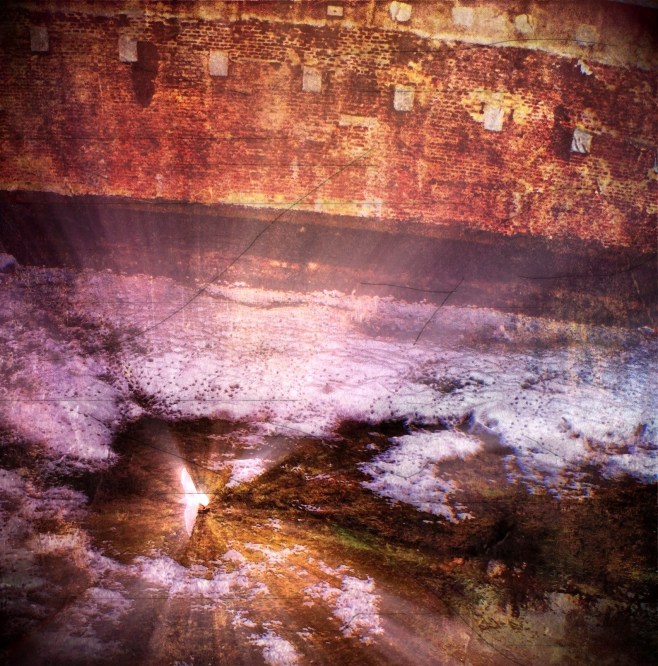

To give back “punch“to the image I did some final adjustments to contrast, brightness and saturation with Snapseed.

And this brings us to the final image that you have seen in the previous post.

Hope you enjoyed this walkthrough, it was nice to go back with you at the steps I followed to create this image.
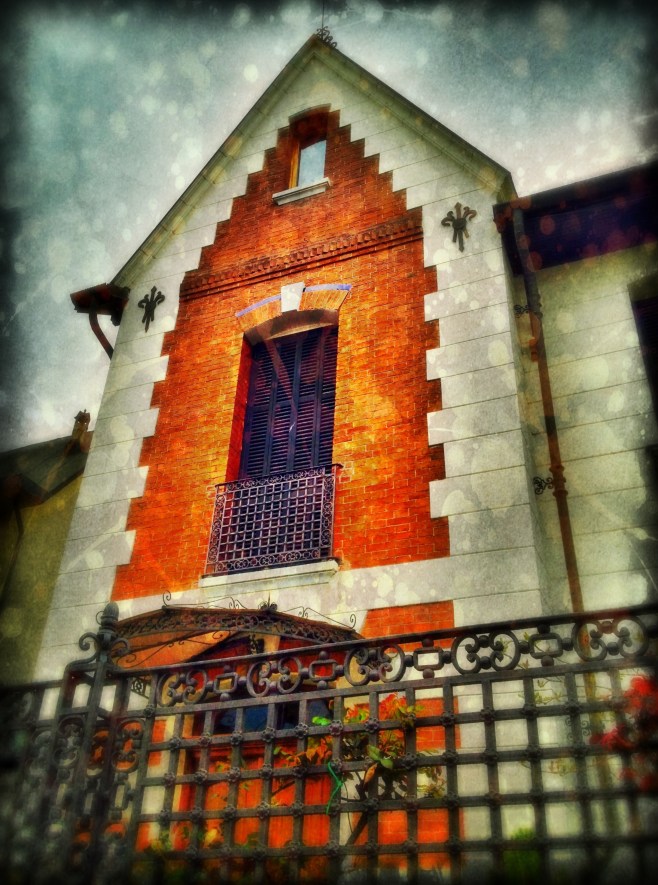
On frozen water

This is the Naviglio channel in Milano.  This has been shot with my iPhone 4s and Olloclip wide lens.

The app used to shot the image was 6×6, cropping and adjustments were done using Snapseed, further editing was done using PicGrunger, Dynamic Light, Rays and PhotoToaster.

Via Savona, Milano

This is via Savona in Milano. This has been shot with my iPhone 3gs . The app used to shot the image was HDR Pro, cropping and adjustments were done using Snapseed, further editing was done using Dynamic Light, Pic Grunger and PhotoToaster.

House of pain

This is an abamdoned house in Milano. This has been shot with my iPhone 4s with an Olloclip wide lens. The app used to shot the image was HDR Pro, cropping and adjustments were done using Snapseed, further editing was done using Shockmypic, Dynamic Light, Pic Grunger and PhotoToaster.

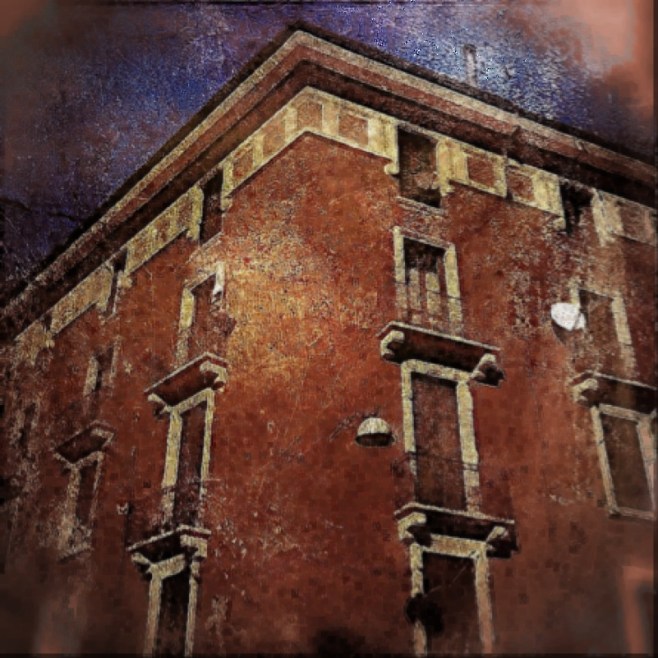
On the corner

This is a house in Milano. This has been shot with my iPhone 4s with an Olloclip wide lens. The app used to shot the image was HDR Pro, cropping and adjustments were done using Snapseed, further editing was done using Dynamic Light, Pic Grunger and PhotoToaster.

Rippling reflection

This is a reflection on Naviglio Grande in Milano. This has been shot with my iPhone 4s with an Olloclip wide lens. The app used to shot the image was HDR Pro, cropping and adjustments were done using Snapseed, further editing was done using Dynamic Light, Pic Grunger and PhotoToaster.