Davide Capponi photography

Photographic art by Davide Capponi

Posts tagged ‘waterlogue’

On the fuzzy side of the street 3

On the fuzzy side of the street 3
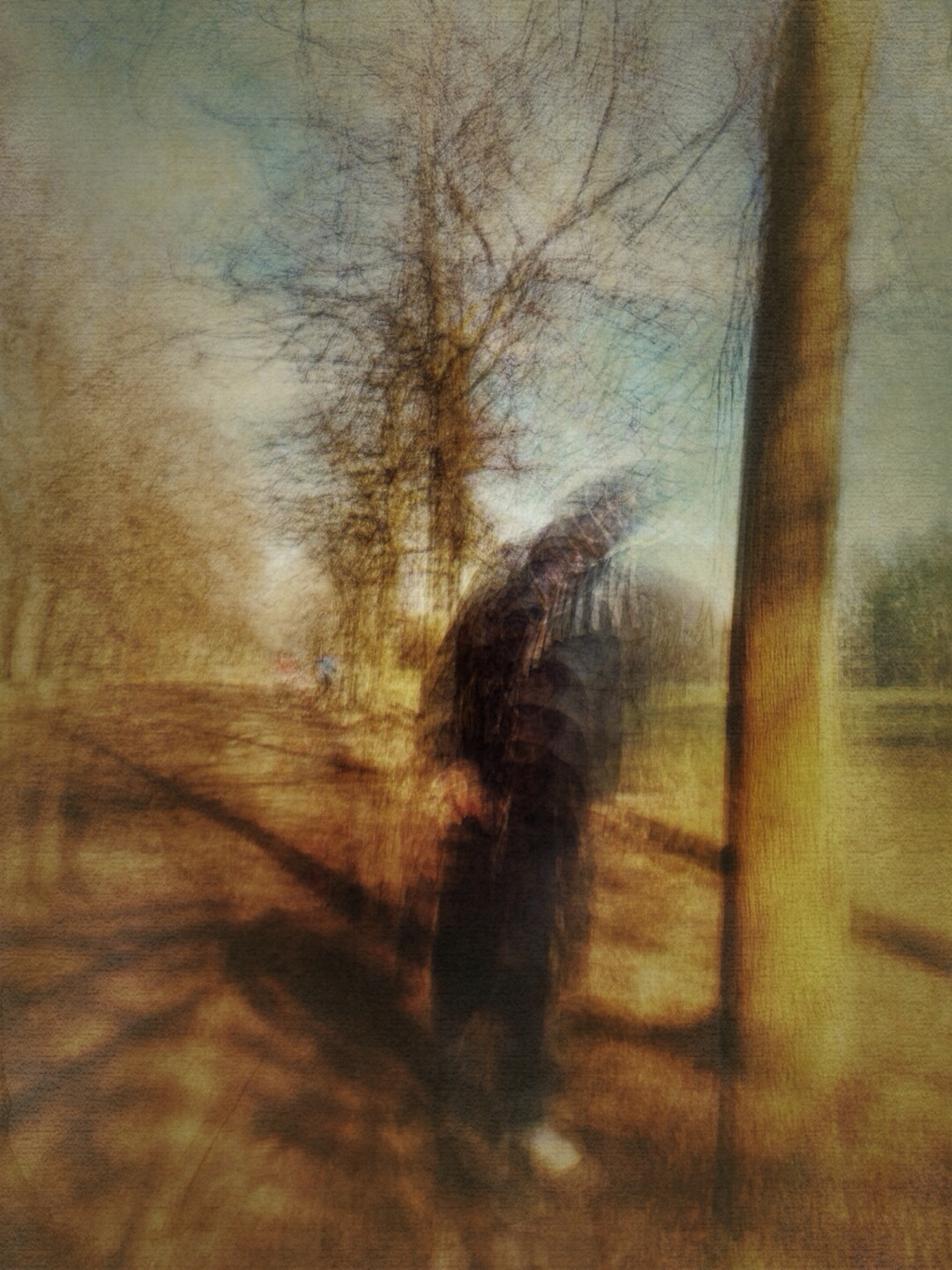
This is a park in Torino. This was shot with my iPhone 5s .

The app used to shot the image was Slow Shutter Cam, cropping and adjustments were done using Snapseed, further editing was done using  Waterlogue, Decim8, Image Blender, DistressedFX and Vintage Scene.
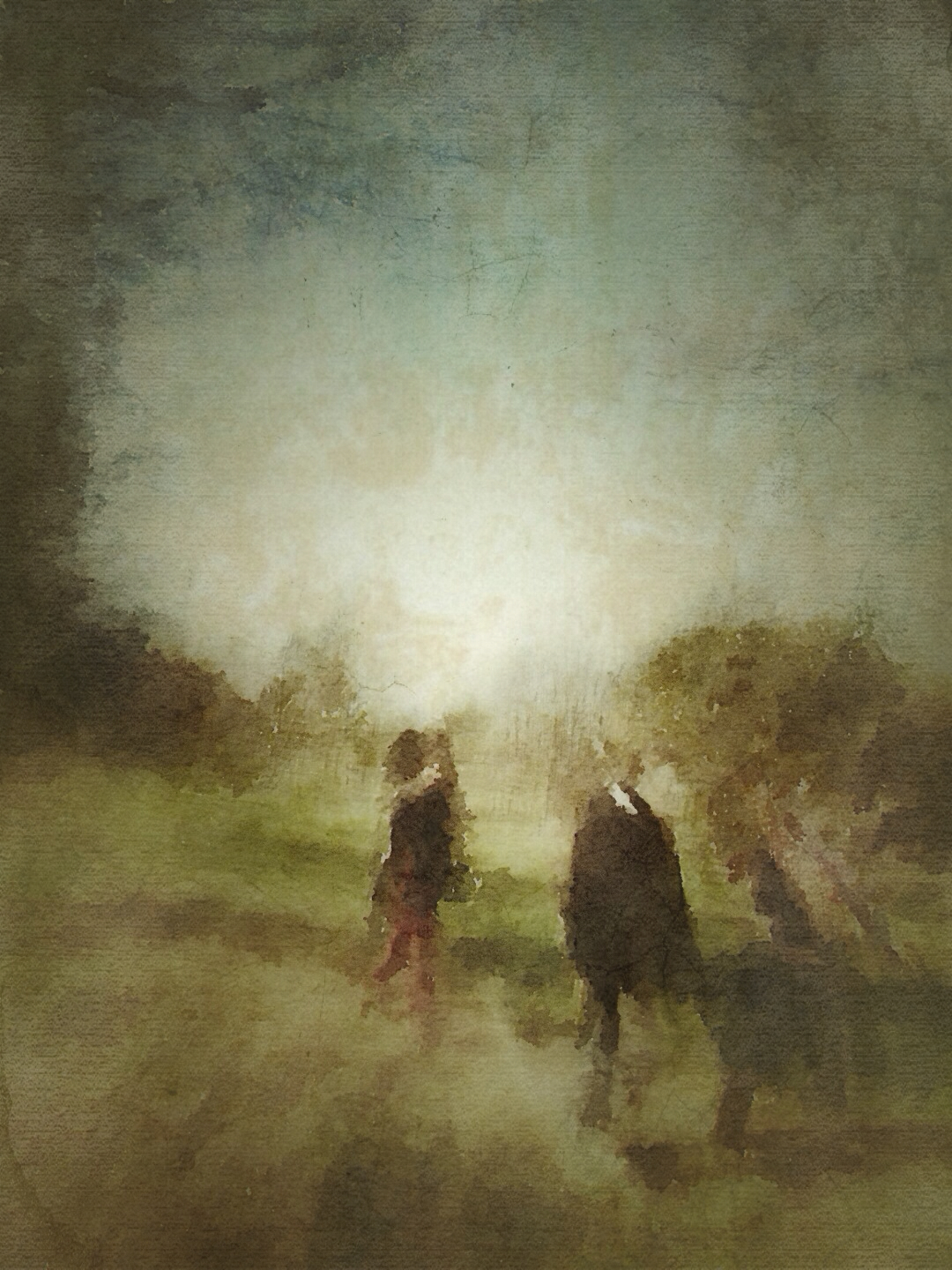
On the fuzzy side of the street 2

On the fuzzy side of the street 2

This is a park in Torino. This was shot with my iPhone 5s .
The app used to shot the image was Slow Shutter Cam, cropping and adjustments were done using Snapseed, further editing was done using  Waterlogue, Decim8, Image Blender, DistressedFX and Vintage Scene.
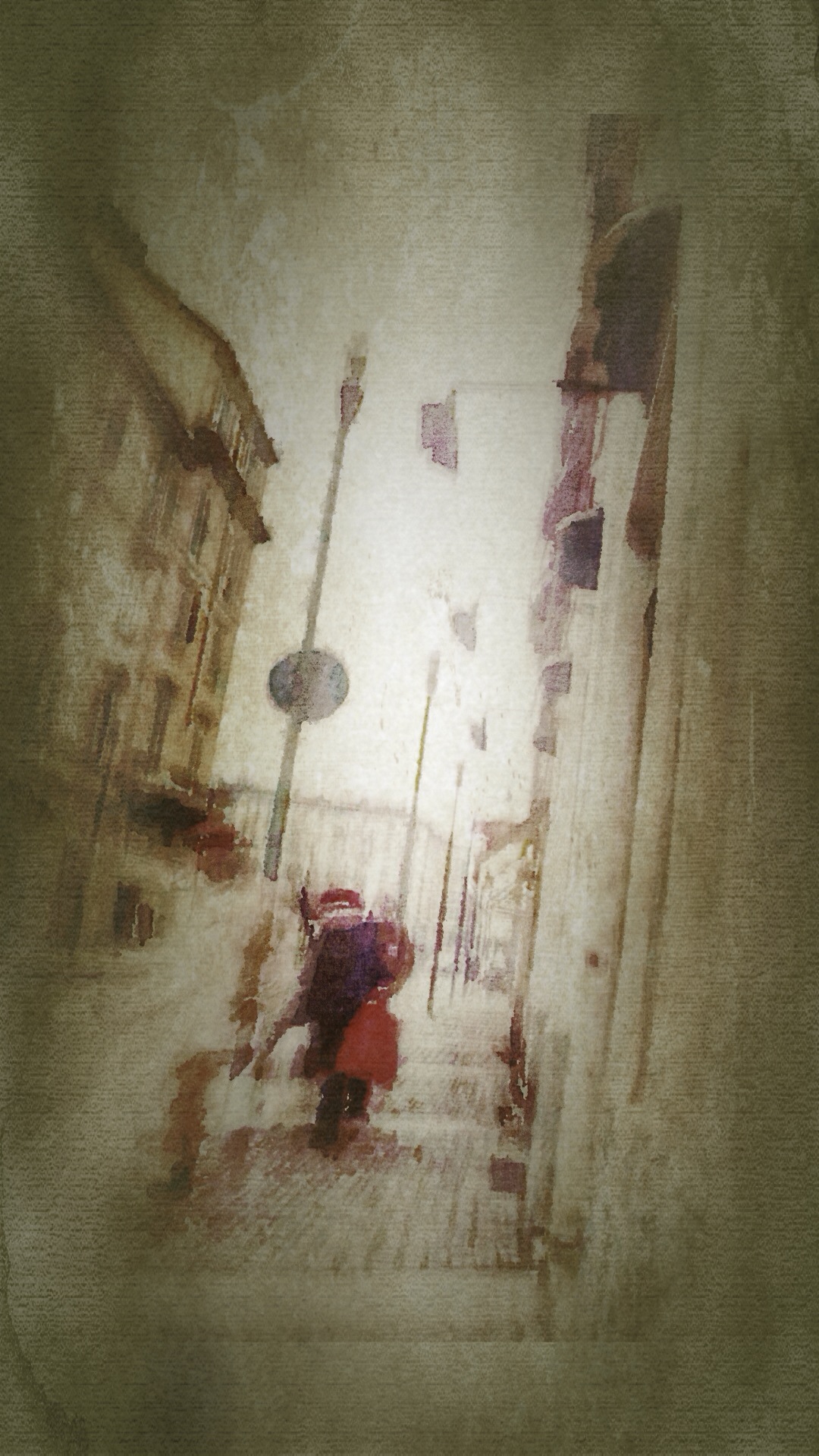
On the fuzzy side of the street

On the fuzzy side of the street

This is a street in Torino. This was shot with my iPhone 5s .
The app used to shot the image was Slow Shutter Cam, cropping and adjustments were done using Snapseed, further editing was done using  Waterlogue, Decim8, SketchClub, DistressedFX and Vintage Scene.
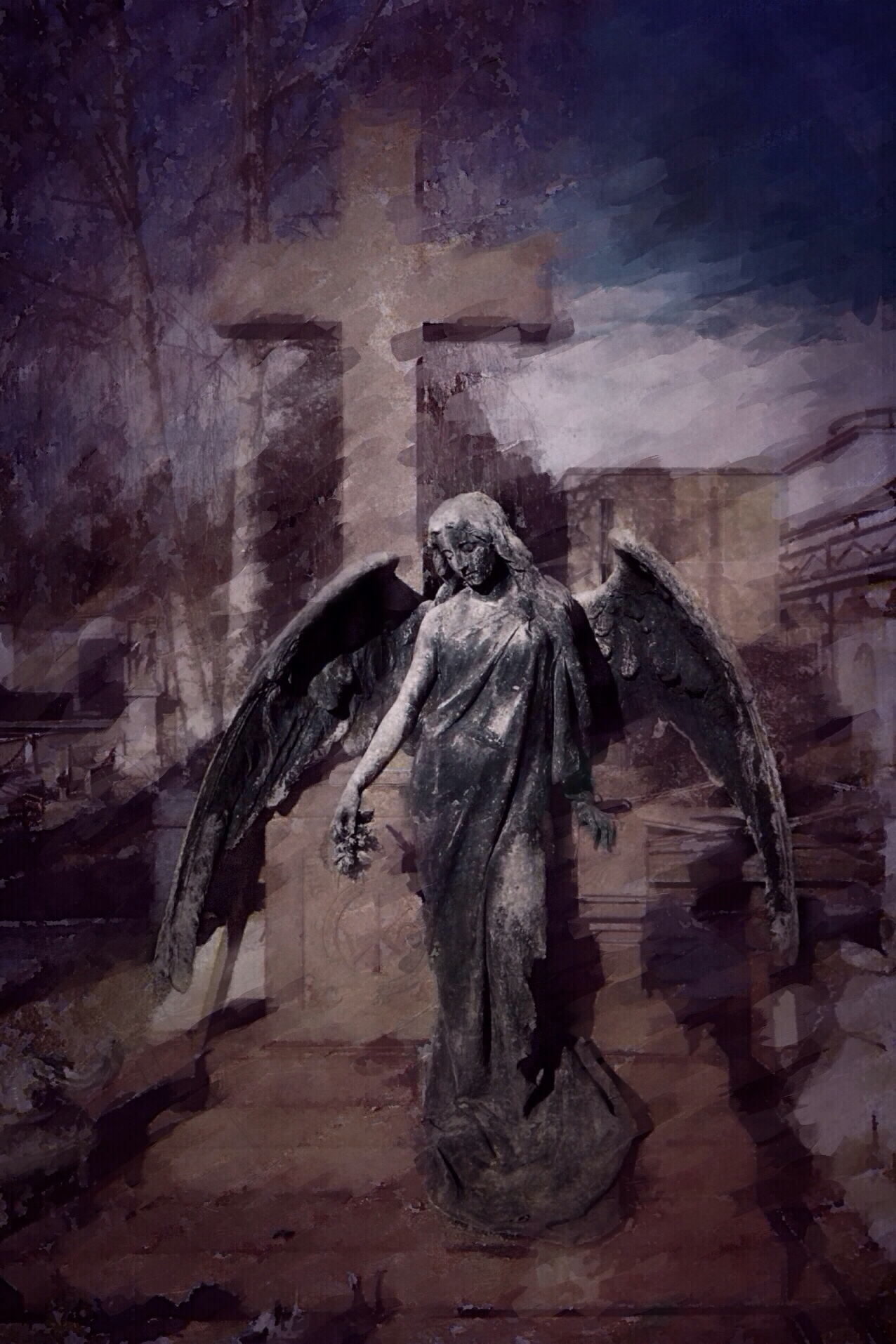
Out of a dream

Out of a dream

This was  shot  in RIvarolo Canavese with my iPhone 5s .

The app used to shot the image was ProCamera, cropping and adjustments were done using Snapseed, further editing was done using  Waterlogue, Mextures, DistressedFX, Filterstorm and  Glaze.

Mark of faith

Mark of faith

This is a stained glass window from a mausoleum in the cemetery of Torino. This was shot with my iPhone 4s .
The app used to shoot the image was Pro Camera, cropping and adjustments were done using Snapseed, further editing was done using Waterlogue, Mextures and Filterstorm.

Angel of hope

Angel of hope

This is a funerary monument in the cemetery of Torino. This was shot with my iPhone 4s .
The app used to shoot the image was Pro Camera, cropping and adjustments were done using Snapseed, further editing was done using Waterlogue, Repix, Tintype, Mextures and Filterstorm.

Street dance

Street dance

This was  shot  in Torino with my iPhone 5s .

The app used to shot the image was ProCamera, cropping and adjustments were done using Snapseed, further editing was done using  Waterlogue, Mextures, DistressedFX, Filterstorm and  Glaze.