Davide Capponi photography

Photographic art by Davide Capponi

Posts tagged ‘iphone’

On the fuzzy side of the street

On the fuzzy side of the street

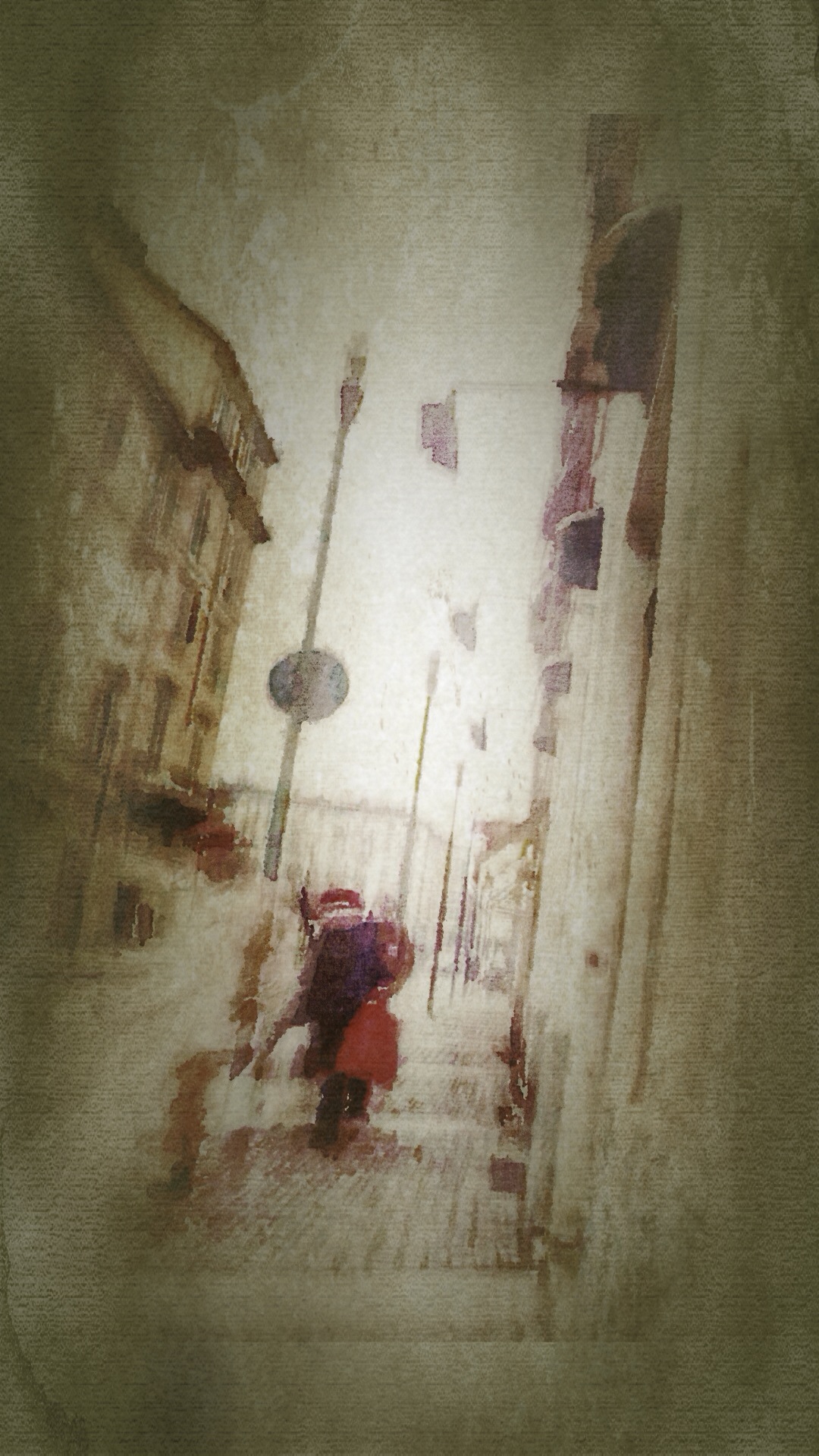
This is a street in Torino. This was shot with my iPhone 5s .
The app used to shot the image was Slow Shutter Cam, cropping and adjustments were done using Snapseed, further editing was done using  Waterlogue, Decim8, SketchClub, DistressedFX and Vintage Scene.

In between

In between

This is a street in Torino. This was shot with my iPhone 5s .
The app used to shot the image was Slow Shutter Cam, cropping and adjustments were done using Snapseed, further editing was done using  Tangent and Filterstorm.

Undefined 2

Undefined 2

This was shot and edited with my iPhone 5s.

The app used to shot the image was Slow shutter Cam, cropping and adjustments were done using Snapseed, further editing was done using Decim8, Fragments, Tangent and Image Blender

Undefined 1


20140206-085908.jpg


This was shot and edited with my iPhone 5s.

The app used to shot the image was Slow shutter Cam, cropping and adjustments were done using Snapseed, further editing was done using Decim8, Fragments, Tangent and Image Blender

And the night goes on

And the night goes on

This was shot and edited with my iPhone 5s.

The app used to shot the image was Pro Camera, cropping and adjustments were done using Snapseed, further editing was done using Decim8, Repix and Image Blender.

Eternity

Eternity

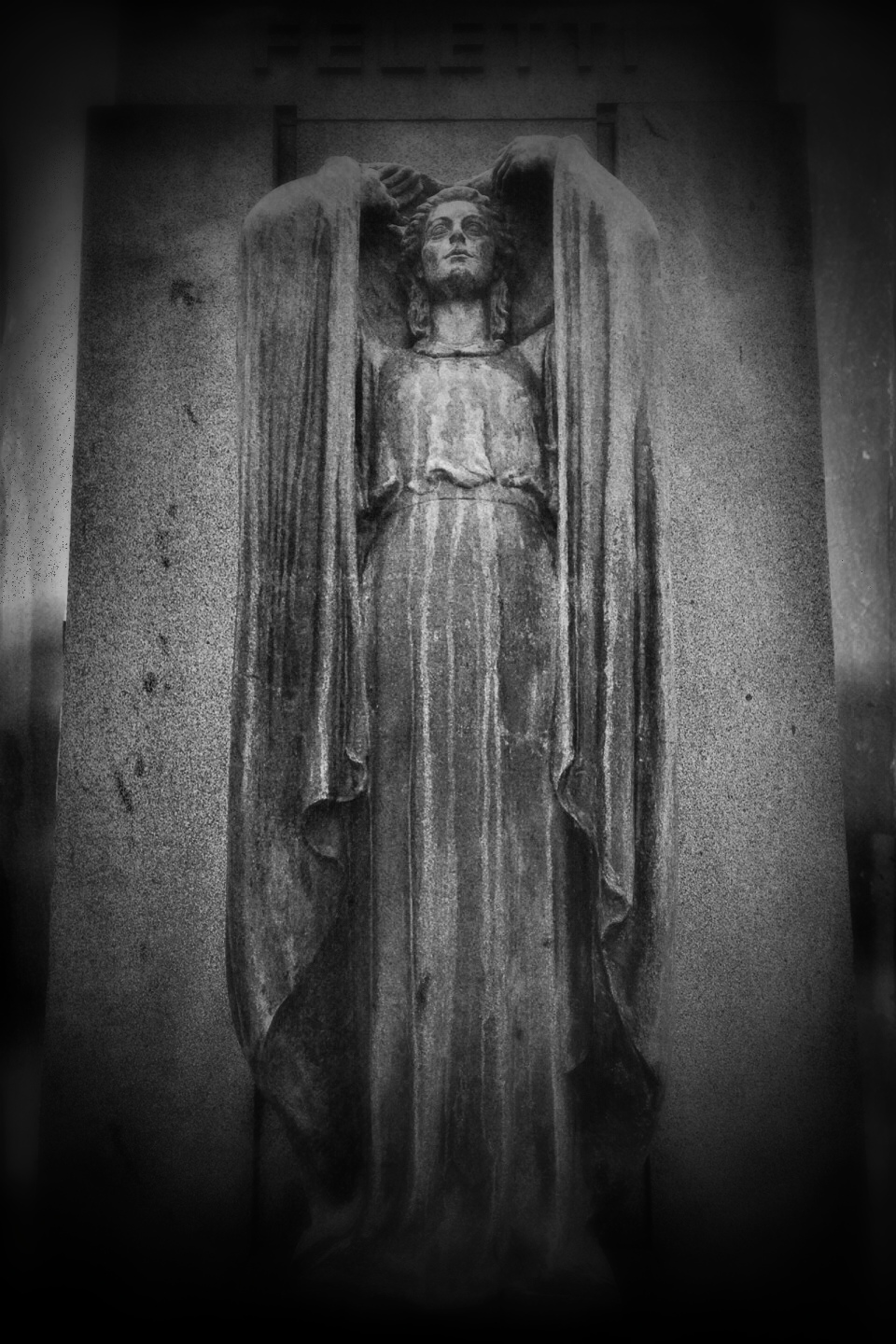
This is a funerary monument in the cemetery of Torino. This was shot with my iPhone 5s.
The app used to shot the image was Pro Camera, cropping and adjustments were done using Snapseed, further editing was done using Tintype, Image Blender.

Angel of acceptance

Angel of acceptance

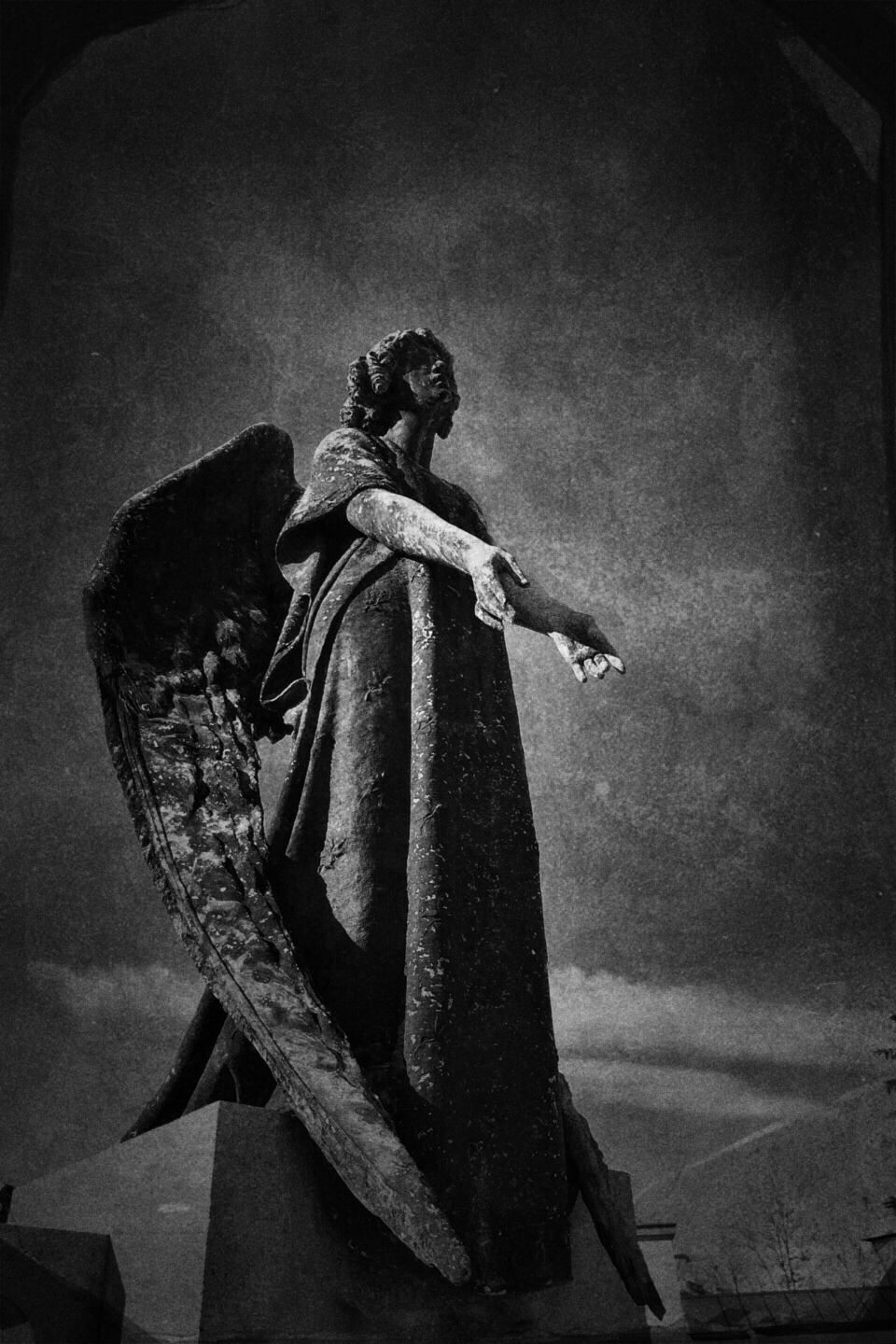
This is a funerary monument in the cemetery of Torino. This was shot with my iPhone 5 .
The app used to shot the image was Pro Camera, cropping and adjustments were done using Snapseed, further editing was done using Tintype and Image Blender.

In grace

In grace

This is a funerary monument in the cemetery of Torino. This was shot with my iPhone 5s .
The app used to shot the image was Pro Camera, cropping and adjustments were done using Snapseed, further editing was done using TadaaSLR.

Never give up

Never give up

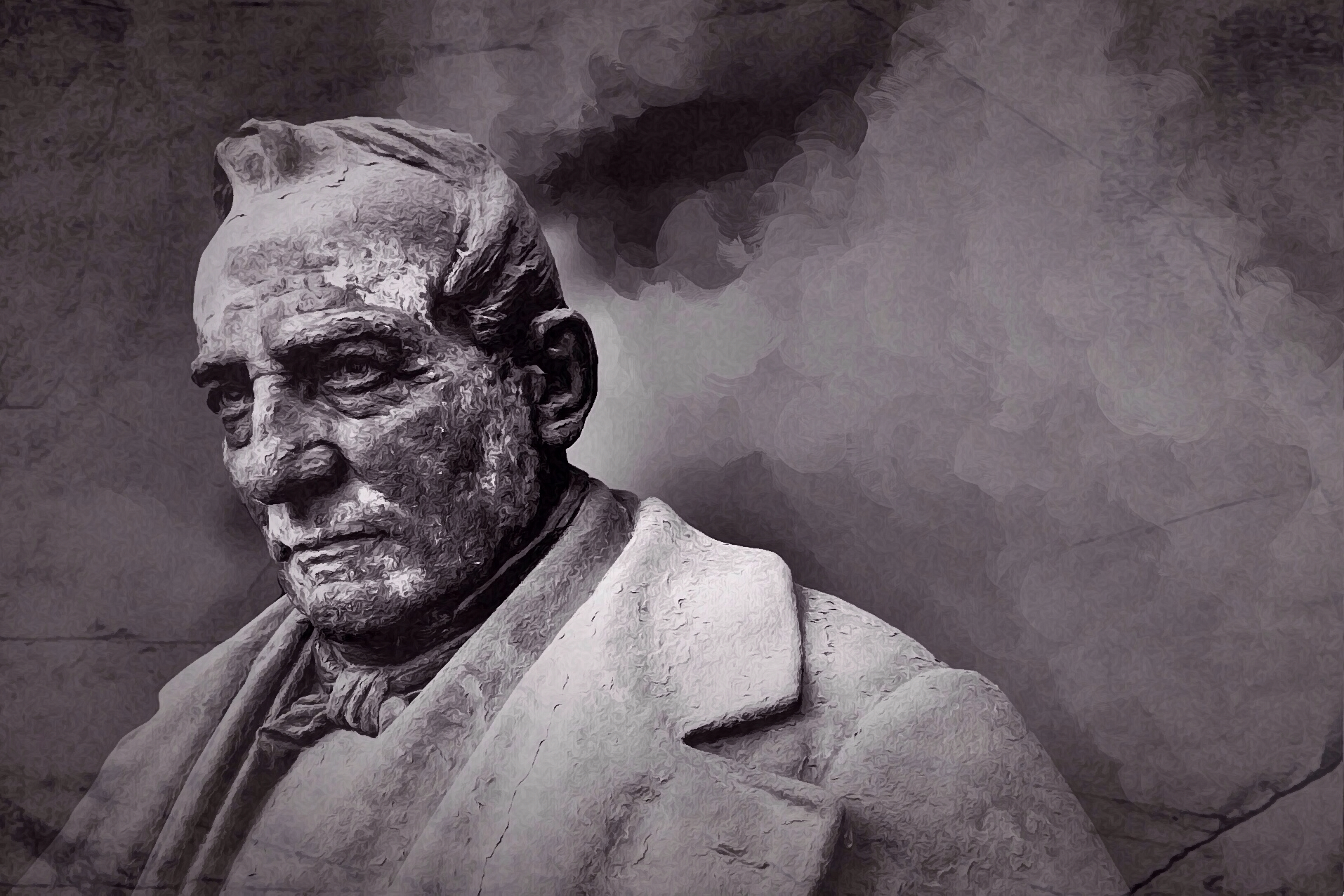
This is a funerary monument in the cemetery of Torino. This was shot with my iPhone 5s .
The app used to shot the image was Pro Camera, cropping and adjustments were done using Snapseed, further editing was done using  TadaaSLR, Repix, Noir, ShockMyPic, VintageScene.

Time travel 2: China

Time travel 2: China

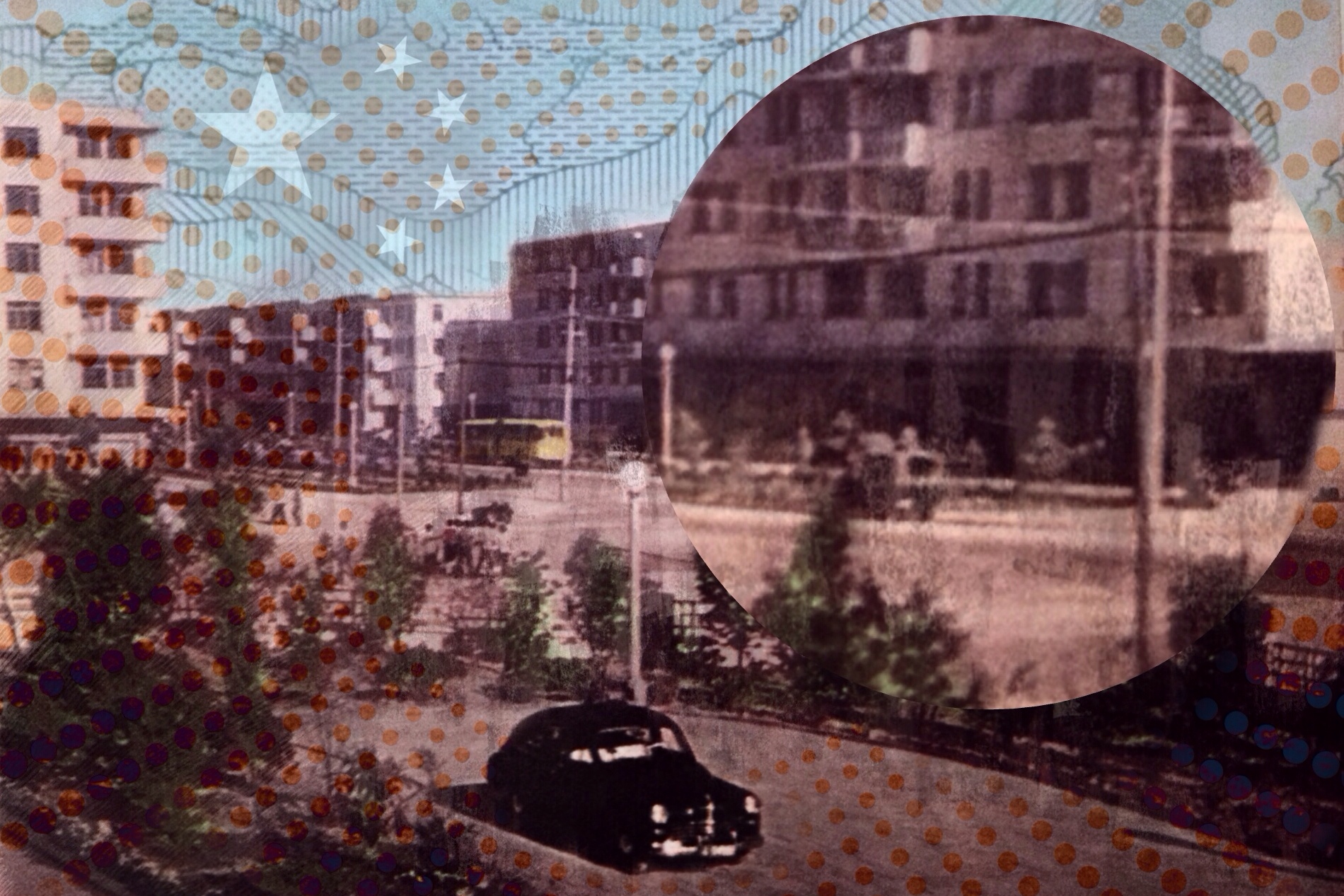
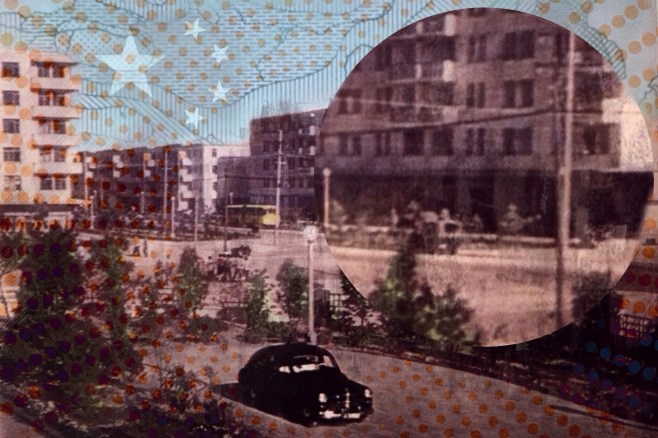
This is another work from the Time Travel series, China as seen from the sixties; the images on this series are not by me but are elaborated by me on iOS devices starting from photos, drawings and maps from old geography books.

The app used to shot the picture was Pro Camera, cropping and adjustments were done using Snapseed, further editing was done using Repix, Mextures, Fragments, Tangent and Filterstorm.

Time travel 1: China

Time travel 1: China

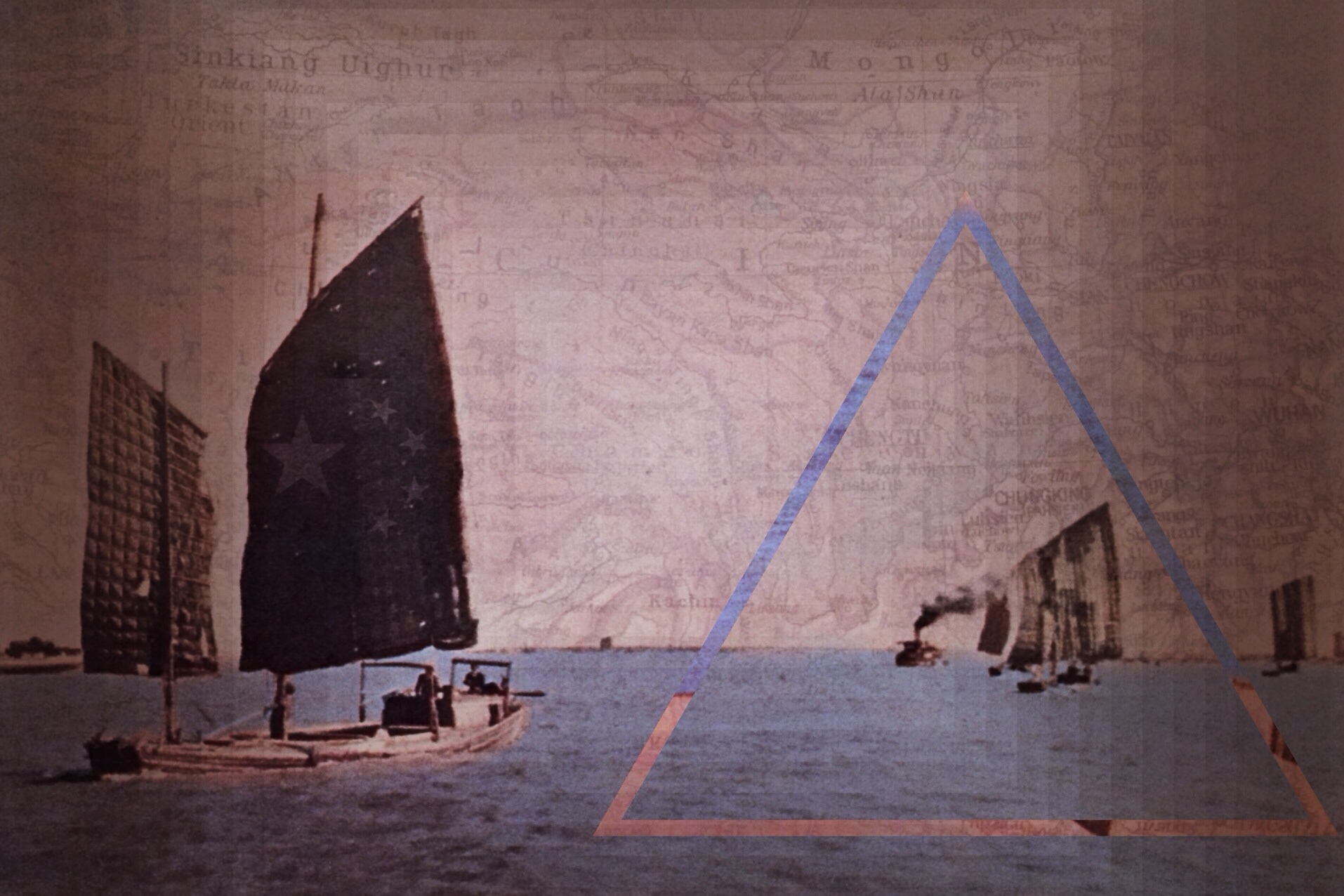
Looking at old books in my mother’s home I found a weathered atlas, published in the 60s, with many pictures of the world in the 50s-60s. I love the style of those old photos and having used this book when I was a student browsing through them brought back memories of my childhood.

The idea of a series based on elaborating these old photos from around the world come out of a sudden and what you see here is the first installment of the Time Travel series, China as seen from the sixties.
The app used to shot the picture was Pro Camera, cropping and adjustments were done using Snapseed, further editing was done using Repix, Mextures, Fragments and Filterstorm.
…in una selva oscura…

...in una selva oscura...

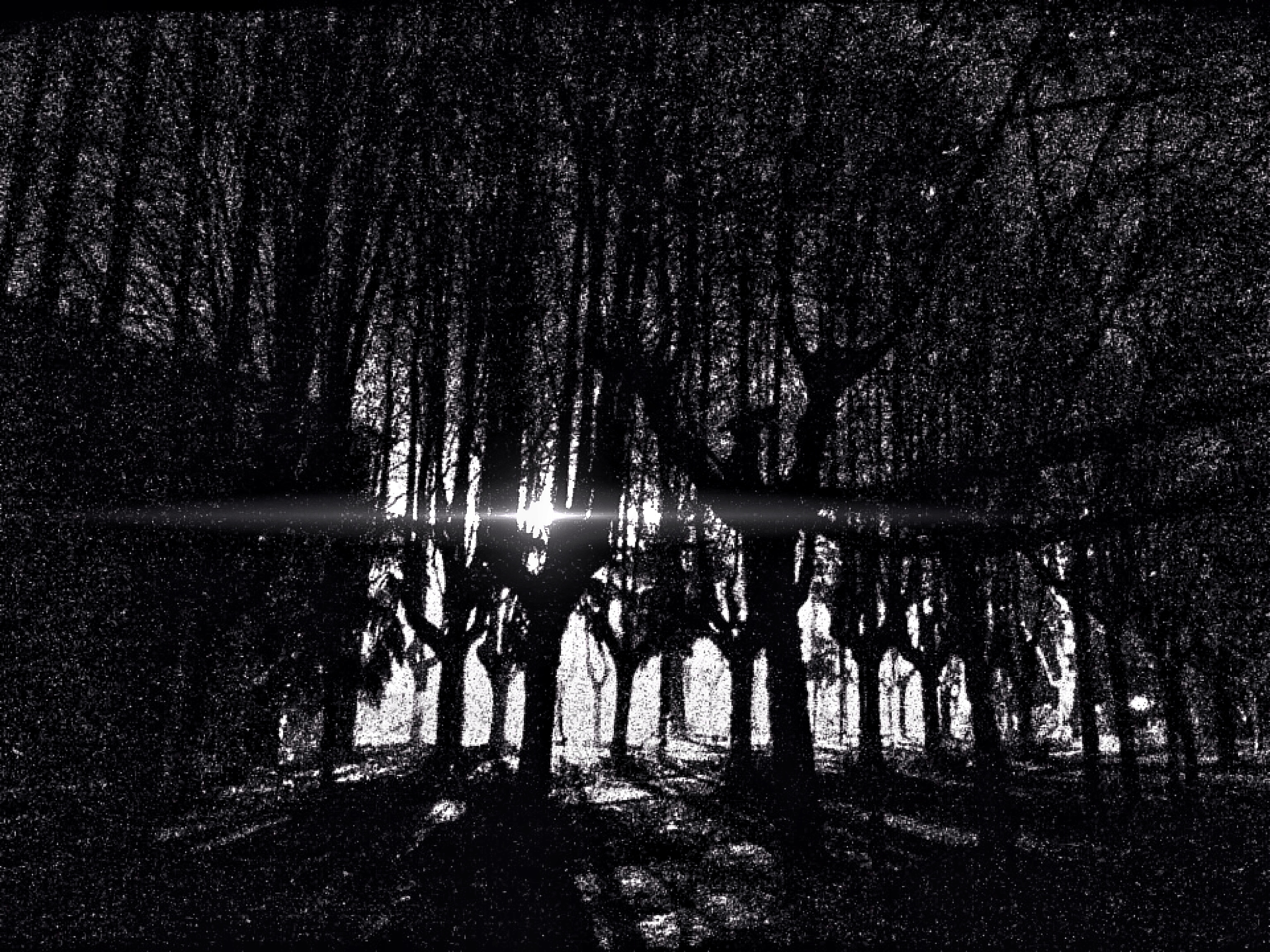
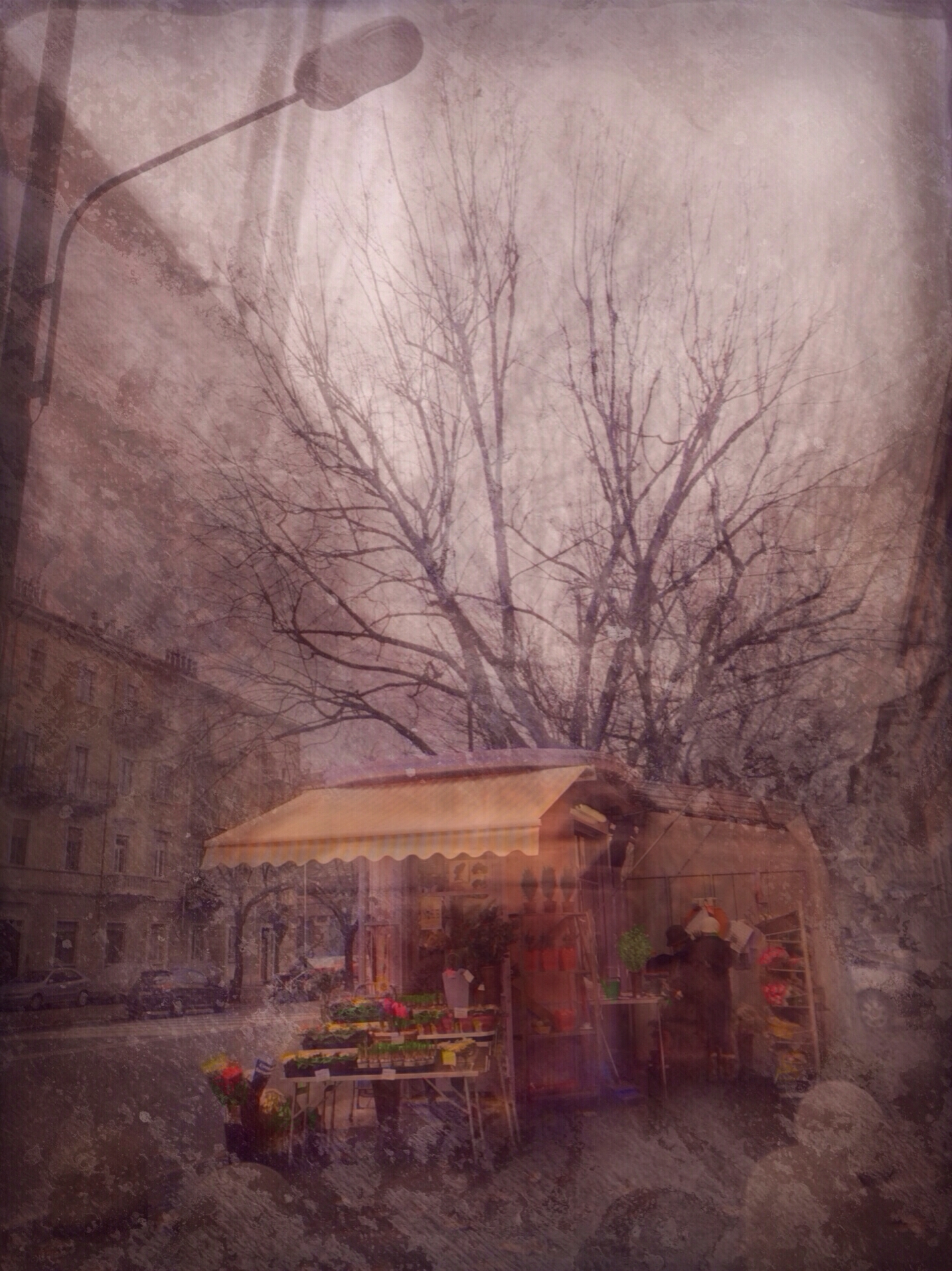
This is a night shot taken near Milano. This was shot with my iPhone 5s .
The app used to shot the image was Night Cap, cropping and adjustments were done using Snapseed, further editing was done using Tintype.

The seventh trumpet

The seventh trumpet

This is a funerary monument in the cemetery of Torino. This was shot with my iPhone 5s .
The app used to shot the image was Pro Camera, cropping and adjustments were done using Snapseed, further editing was done using Tintype, Mextures, Decim8, Fragments and Filterstorm.